


Your customers start their own returns.
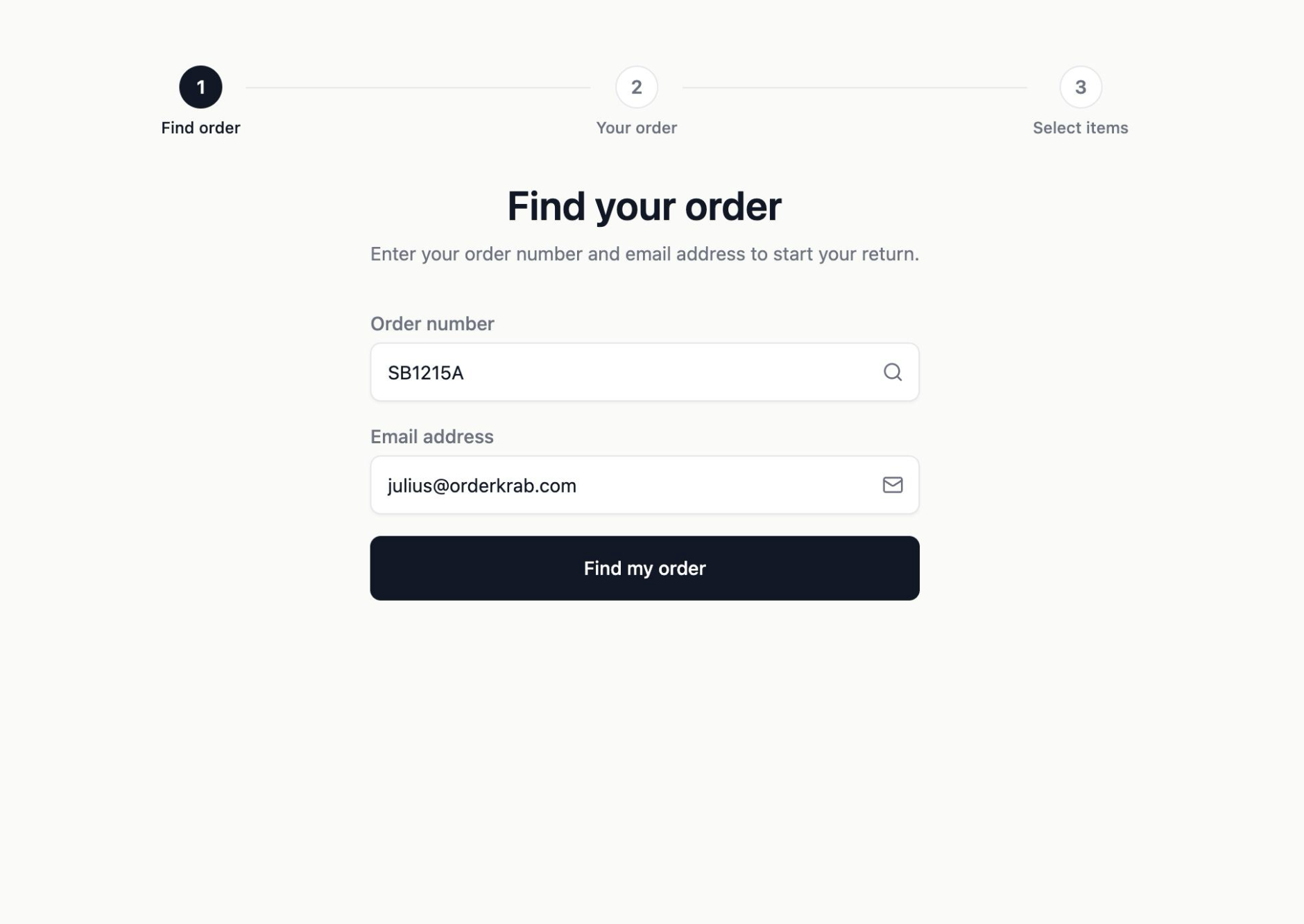
Customers find their order, then choose what goes back and why. The request lands in your queue with a return label ready to issue.
- On your site, in your brand
- 10 languages
- Same carrier back
- Optional instant approval
- ✓Find order
- ✓Your order
- 3Select items
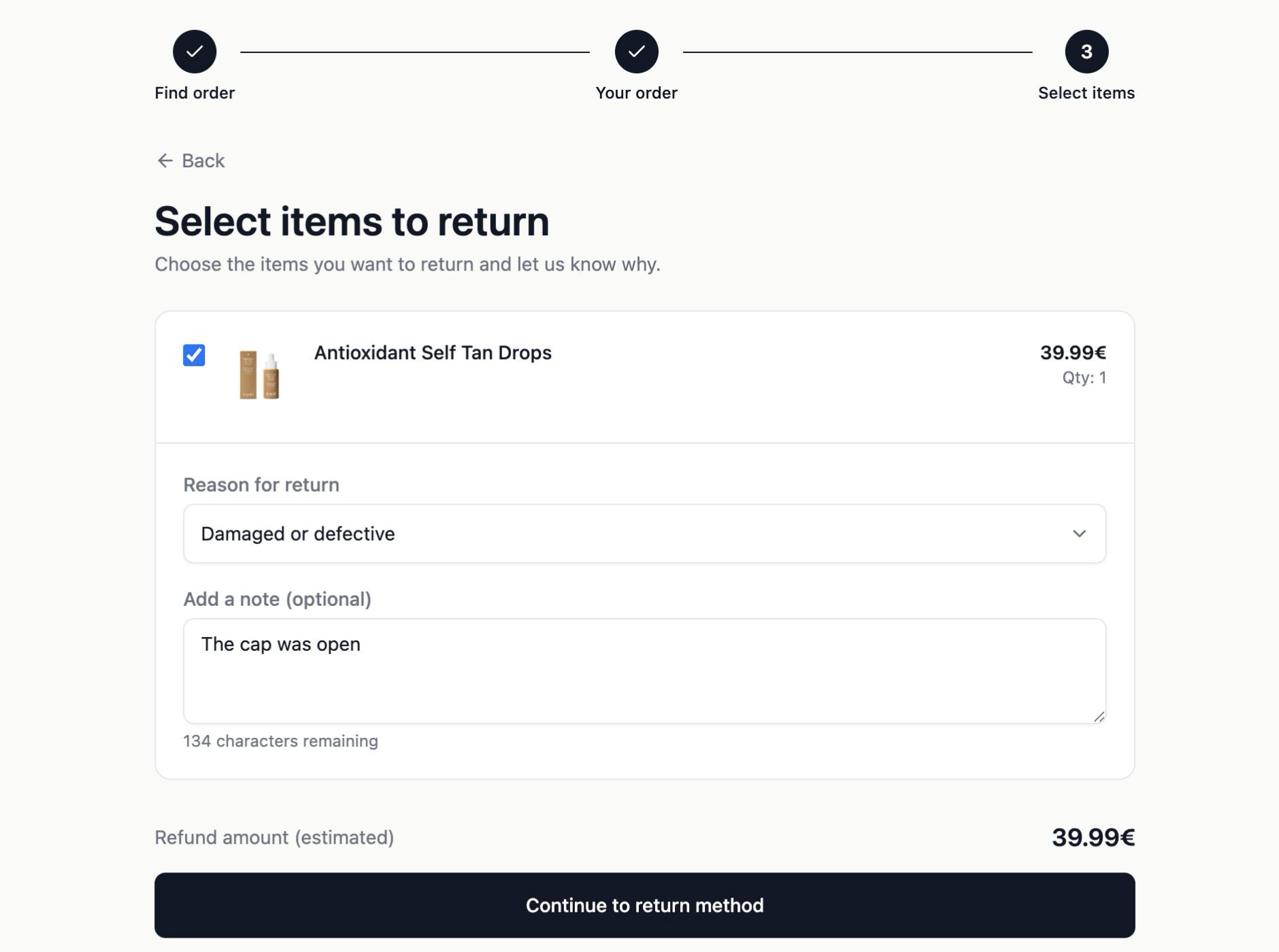
Select items to return
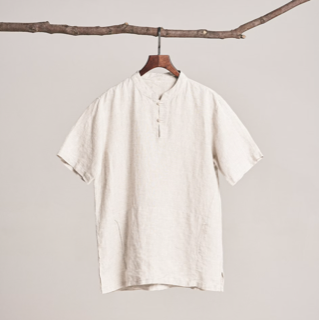
Linen shirt
Sand / M
Reason for return
Returns portal made to match your store, not our software.
The portal embeds directly onto your storefront so customers never leave your site. You have total control over the theme and colors.
Three steps
Three steps. No account, no login.
The whole thing takes about a minute, and it happens without a single message arriving in your support inbox.
- Find order
An order number and an email
That is all a customer needs. Nothing to remember, no password to reset and no account to create first.
- Your order
The order, exactly as you see it
Every item is shown with its variant, quantity and price, so the customer and your team are looking at the same order.
- Select items
Choose what goes back
Tick items one by one, set how many of each, choose a reason and add a note. A refund estimate updates with every change.
You find out why, every time.
Each item carries its own reason and its own note, so a single return can report a shirt that was too small and a mug that arrived broken. The reasons arrive as structured data, not as a paragraph somebody has to read.
- Too small
- Too large
- Changed my mind
- Damaged or defective
- Other
Plus a free-text note per item, and a quantity when only some of them are coming back.
Every request in one queue.
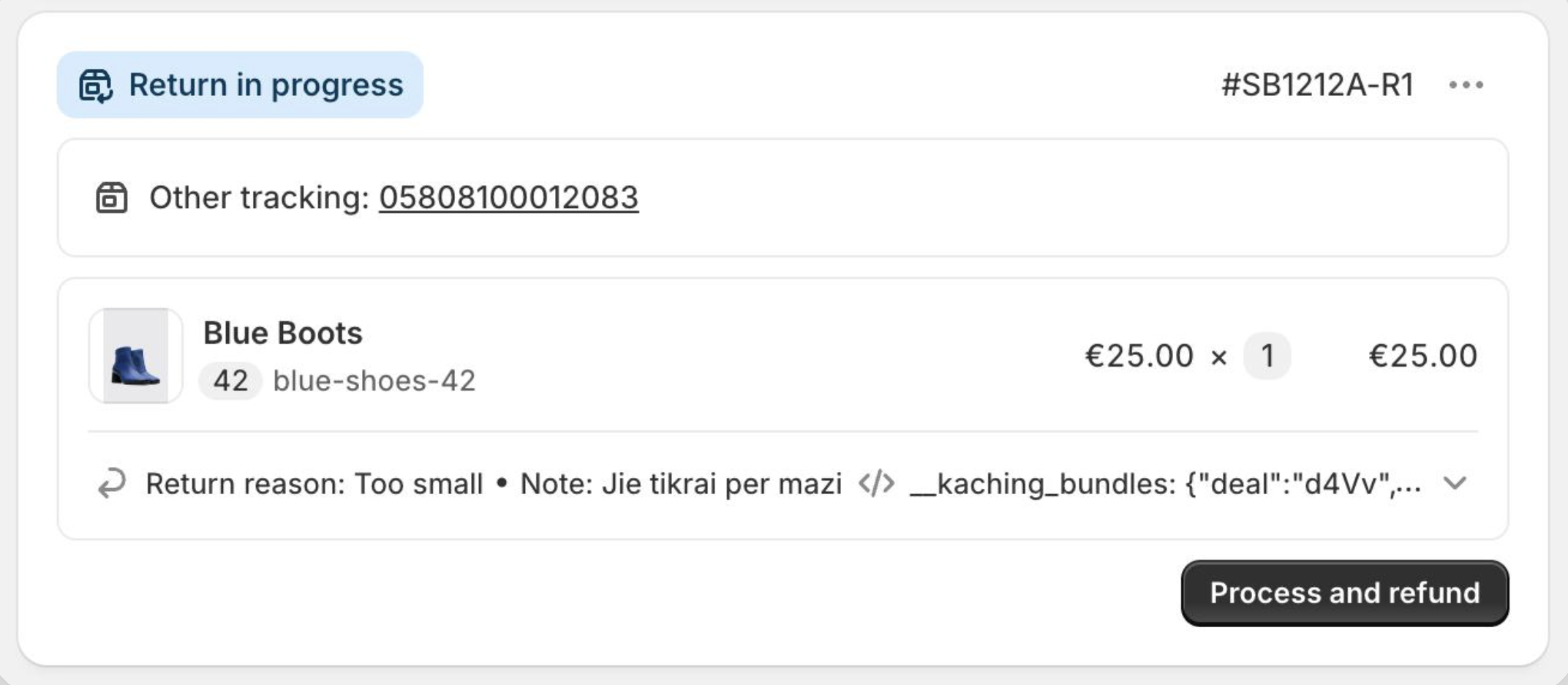
Requests arrive in one list you can filter and search. Open one to see what is coming back, and why. You set the rules: how many days customers have to start a return (14 by default), which products cannot be returned, and whether damaged items are accepted after that window. Only fulfilled orders can be returned, with one return request per order.
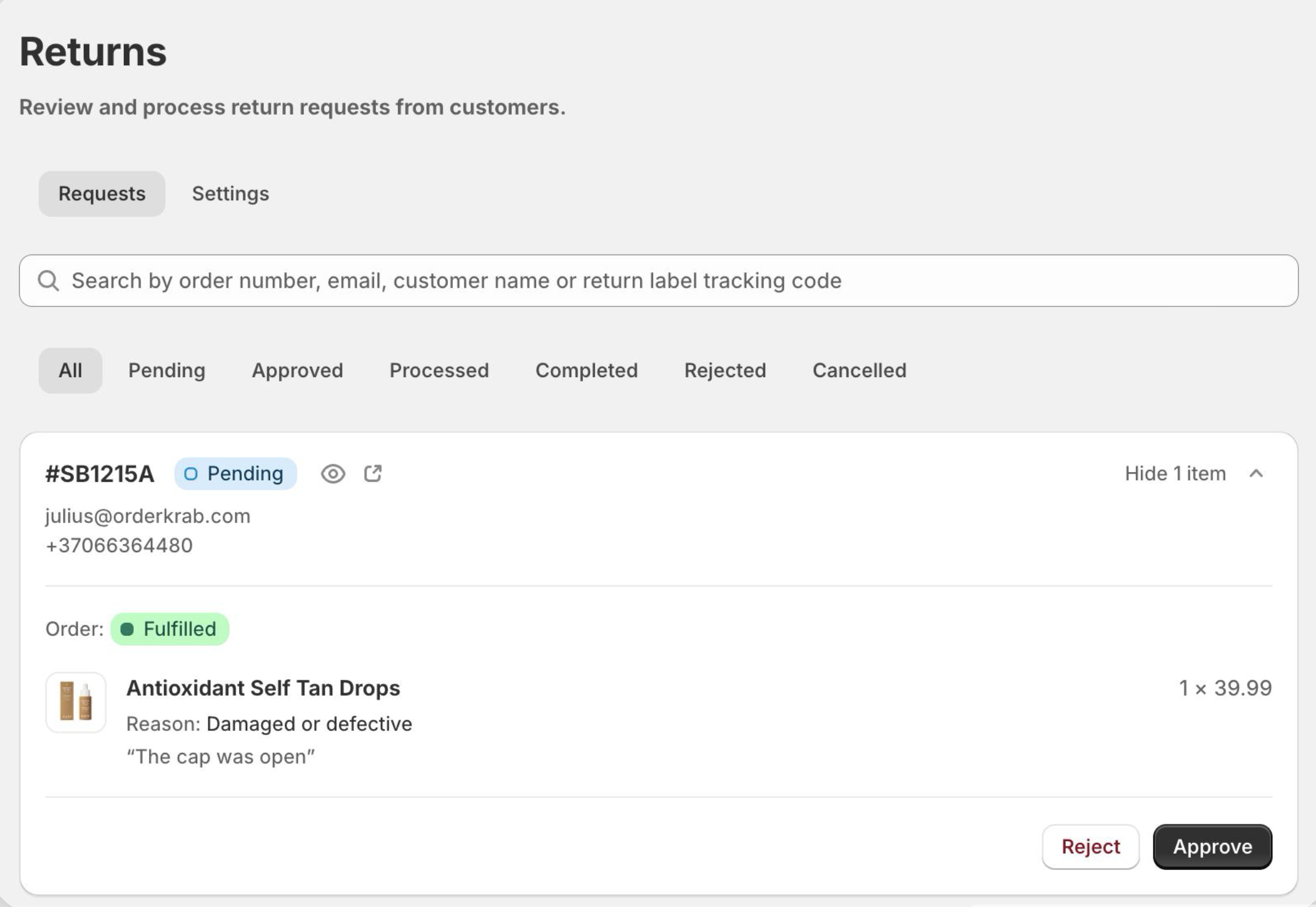
- Request arrives
- You approve
- Label + tracking
- Back in your store
One toggle
Or skip the queue entirely.
Turn on instant approval and the request is approved the moment it is submitted. The label is generated, and the return is sent straight to your store platform with the label and tracking attached. Nobody touches it.
Instant approval off
- 1Customer submits
- 2Pending in your queue
- 3You approve
- 4You create the label
Requests wait as Pending until somebody looks at them. Use this when you want a person to decide.
Instant approval on
- 1Customer submits
- 2Approved, label created
It turns your returns page into a withdrawal button. That is roughly what a 14-day right of withdrawal expects anyway.
Return labels
The label comes from the same place.
Whether the return was started in the portal or by your team, the label is generated the same way and on the same carrier that delivered the order.
- While packing
Created automatically, with the order
Turn on this option and the label is created alongside the order, ready to put into the parcel before it is sealed. Enable it per carrier and per destination country.
- On demand
Created later, from the order page
Any order, any time, straight from the order page. There is no carrier portal to log into, and no second system to keep in sync with your own.
- Per carrier
Always the carrier that delivered it
The label is issued on the carrier that delivered the parcel. DHL out, DHL back. Omniva out, Omniva back. Your customer returns it through a network they know.
Which carriers you can use depends on the contracts you have added in Shipping and labels.