


Your carriers. Your contracts. One place to print labels.
Use the carrier contracts you already have and print labels with tracking in one place.
- 17 integrated carriers
- Up to 216 countries
- Your own contract rates
- PDF and ZPL labels
Order #1046
your-store.myshopify.com
Carrier
LP Express · Locker

Tracking
LP1234567890LT
Tracking synced to store
17 integrated carriers
The carriers you already work with, in one account
Add each carrier once with the credentials from your own contract. OrderKrab then creates every label, tracking code and return label at your rates.
Baltic lockers and courier





Poland


Worldwide express
Postal and cross-border


3 more carriers are in development.View all carriers
How a label gets made
From the checkout click to a tracked parcel
- 01
The customer picks a shipping method
Courier, parcel locker or store pickup, at the price you set for that country.
- 02
The order arrives with the carrier chosen
Shipping rules match the checkout text to one of your carriers and methods. No manual sorting.
- 03
One click creates the label
OrderKrab calls the carrier on your contract and returns a PDF or ZPL label with a tracking code.
- 04
Tracking goes back to your store
Mark the order fulfilled and your store emails the customer the tracking code. Nothing is copied by hand.
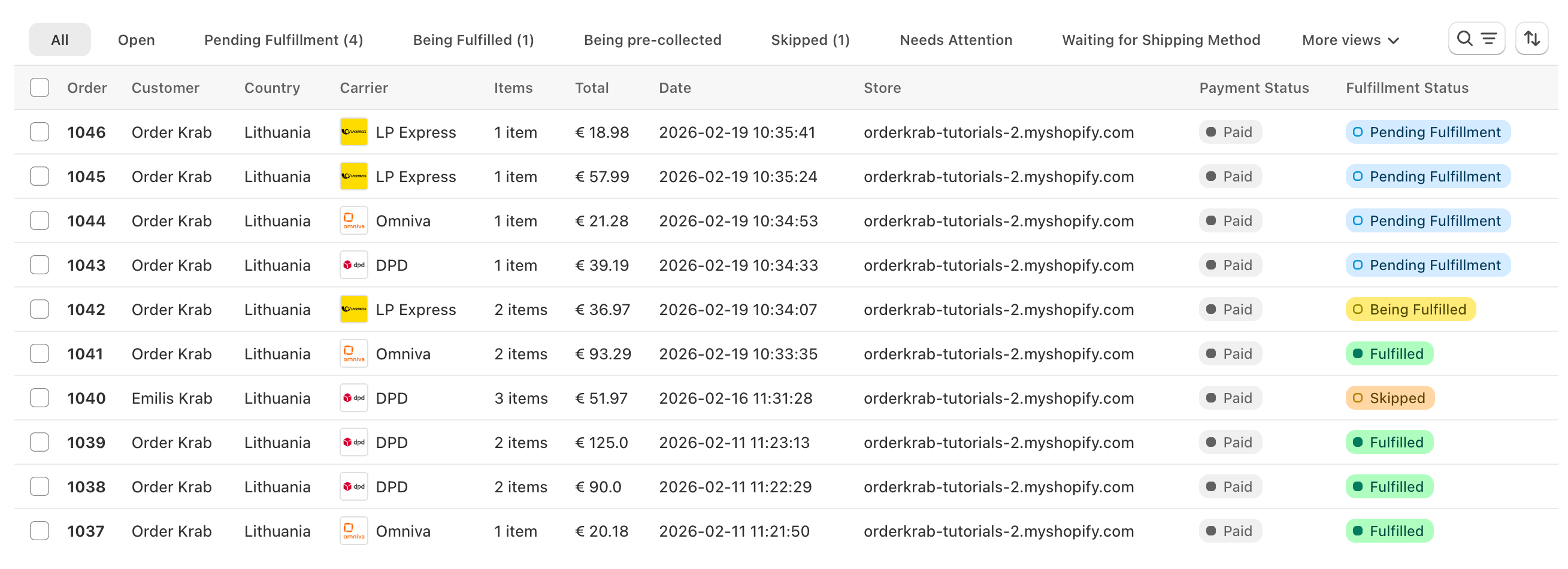
Four ways to get a label
However you work, the label is one click away
One order at a time
Open a pending order, click Initiate Shipment, then download or print the label.
Dozens at once
Select the orders, initiate the shipments together and download every label in one PDF.
Automatically while packing
In Pick & Pack the label prints on its own the moment the last item is scanned. Pro plan.
Without an order
A supplier return or a warehouse transfer gets a standalone label with any connected carrier.
Extra parcels and return labels are created from the same Shipments window on the order, each with its own tracking code.
After the order arrives
Change the shipment without starting over
Swap the parcel locker, switch between courier and locker, or move the order to another carrier. OrderKrab voids the old label and creates a new one.
- Edit the address, the locker or the export reason from the order page
- A failed label sets the order to Needs Attention with the carrier's error
- On Pro, Krab AI proposes the corrected address or locker for you to accept
Omniva · Locker
Old label voided
DPD · Courier
New label created
What each carrier supports
Honest about what works where
Every integrated carrier creates labels, tracking codes and return labels. The rest depends on the carrier, so here is the exact list.
Parcel lockers at checkout
Cash on delivery (COD)
Live carrier rates at checkout
Scheduled courier pickups
Handover manifests
Customs documents
- InPost takes COD on its direct integration and its ZipasGo-booked route, not on the Nova Post-booked route.
- InPost pickups are available on its Nova Post-booked route.
- DHL Express, FedEx and UPS build the customs invoice from your line-item data, and DHL Express and FedEx let you choose DAP or DDP per country. Zipas Go and Lietuvos paštas carry customs declarations.
Printing
Any label printer, no driver fuss
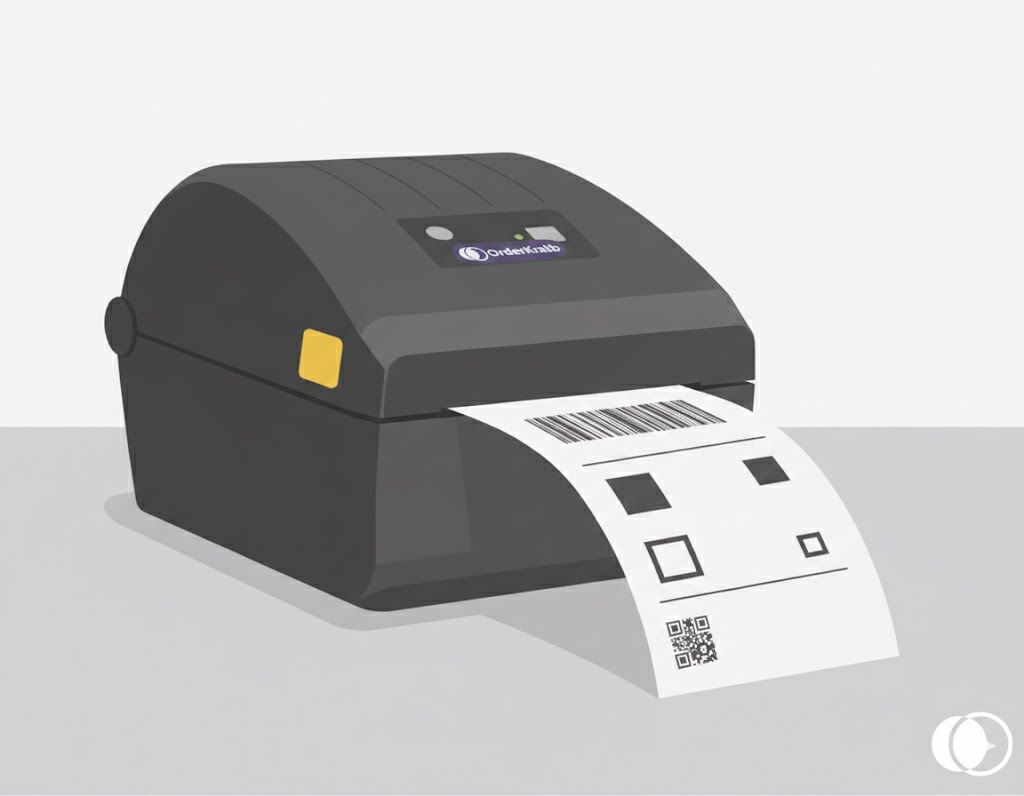
PrintKrab is the free desktop bridge between your browser and the printer. Labels come out as ZPL on a label printer or as PDF on anything else.
- Auto-print in Pick & Pack the moment the last item scans
- Print the customer's note and the SKUs on the label
- Download the PDF and print it anywhere on the Labels plan
- Tested printers and scanners at below-market rates on Pro
Pricing
Labels from €4.99 a month
The Labels plan is €0.11 per order for the first 500 orders each month, with a €4.99 minimum invoice. Your first 100 orders are free. Pro adds Pick & Pack, Krab AI and analytics.